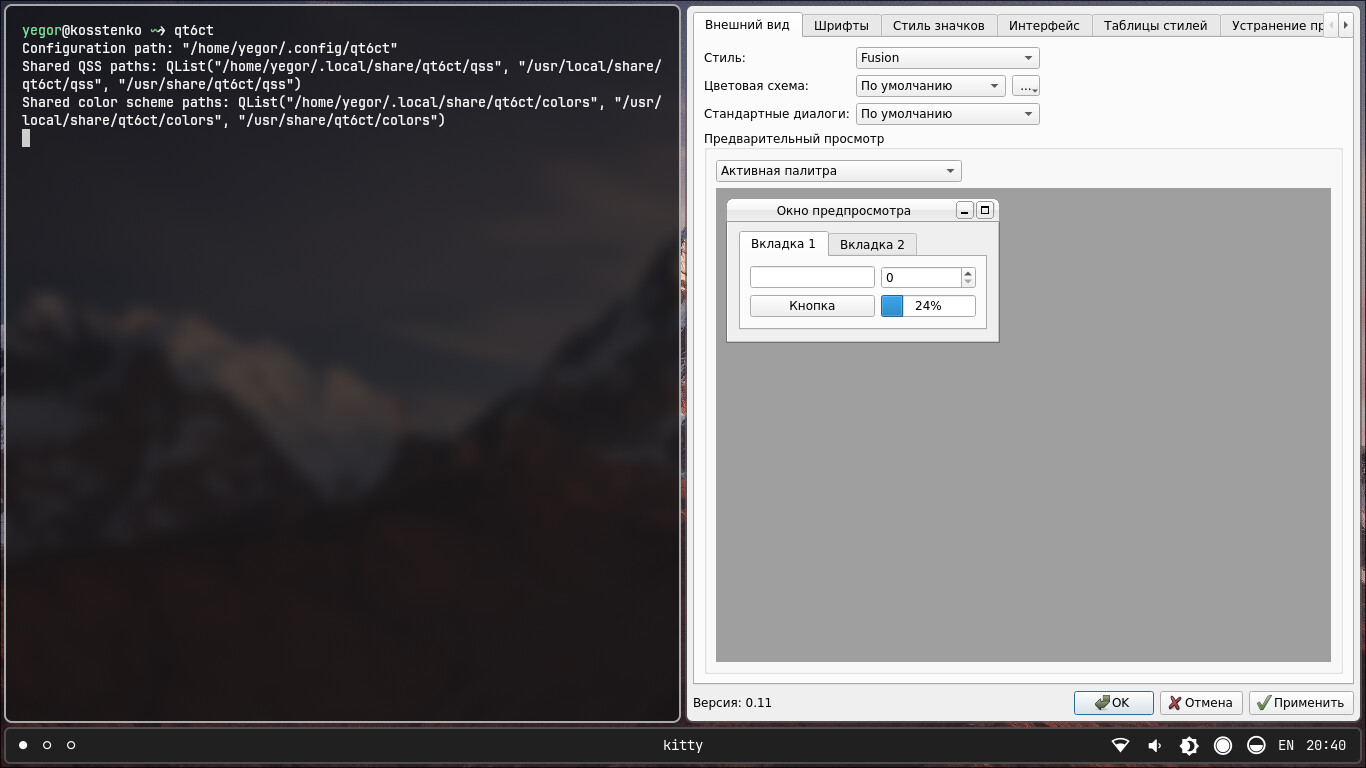
Hello everyone! I searched the internet for a way to enable dark mode. I couldn’t find a solution, even AI didn’t help. I noticed that Pencil2d uses the Qt library for its user interface.
I use ArchLinux, so this method will only work for users who use Linux as their operating system.
First you need to install qt5ct or qt6ct. As an example I will show qt6ct. In my case, the command would be:
sudo pacman -S qt6ct
After installation, enter this command:
set QT_QPA_PLATFORMTHEME qt6ct
Then run the command qt6ct. Next, you will see a window in which you can change the theme for programs that use Qt to render the UI.
Yes, it should use the desktop theme on macOS and Linux. However, this feature will not work on Linux if installed as a Flatpak or AppImage, as these both sandbox the application and prevent it from accessing the theme data of the host. It also may not work on less popular desktop environments (ie. not KDE or GNOME).
Kvantum is another option to configure the appearance of Qt applications.