Right now, the work space fills less than half of the screen, so no matter how far I zoom in, it still feels like I’m trying to draw a large portrait on a postcard. I need the work space to take up 75% of the screen. Right now it’s the size of my fist. I want it to be the size of my open hand. But when I try to reduce the size of the tool bars, only one of them will reduce, even though they all change my cursor to indicate that they allegedly can be reduced.
Hi AtarahDerekh, can you show us a screenshot of what the interface looks like?
In my case I have a resolution of 1470x956 and it looks like this in fullscreen:
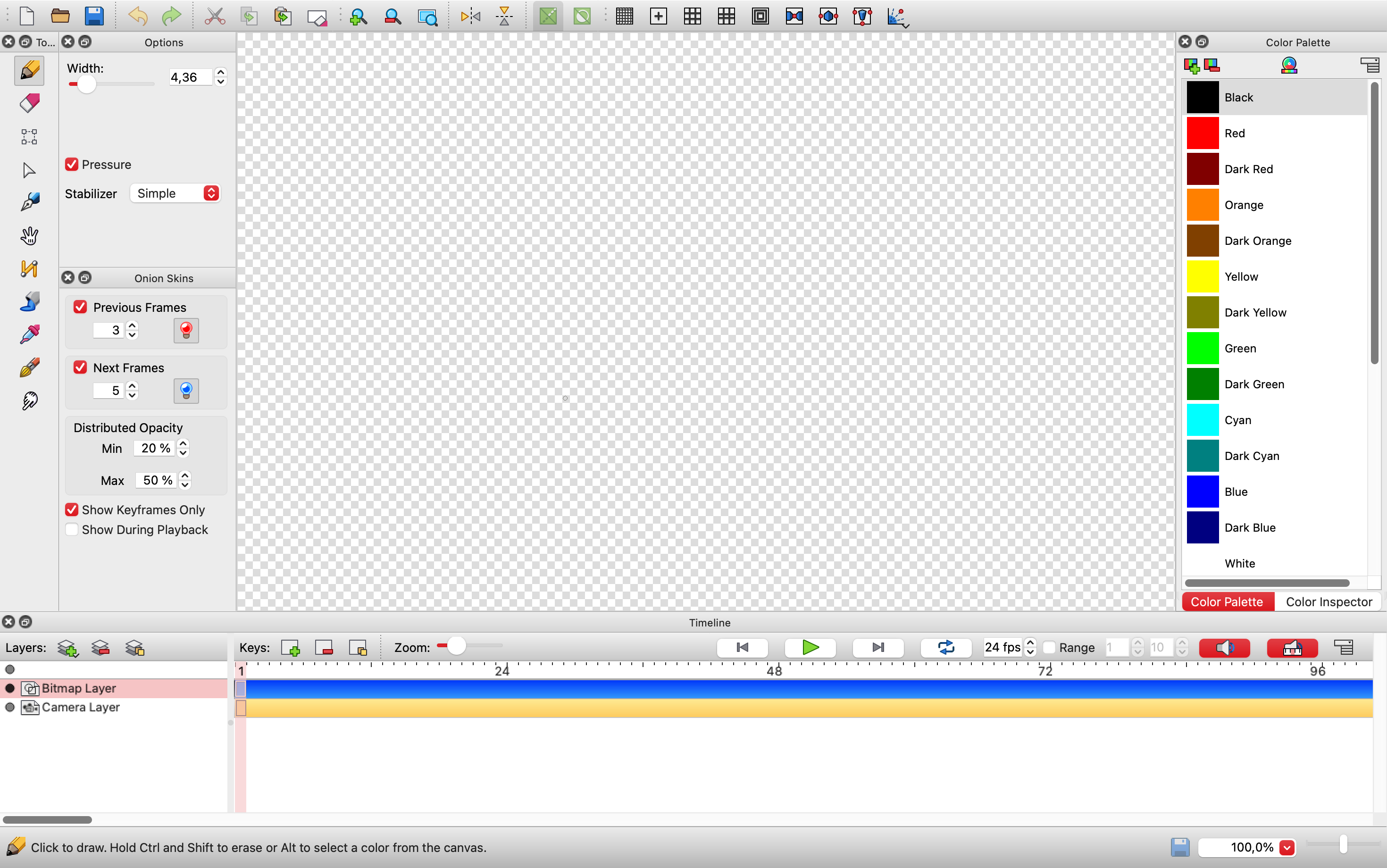
The canvas area can indeed be quite small if the resolution of your monitor low but if your computer is newer than 5 years, then it shouldn’t be a problem.
You can also close windows that are taking up too much space, say the color palette, or move it around so all the UI is on one side of the screen, except the timeline.