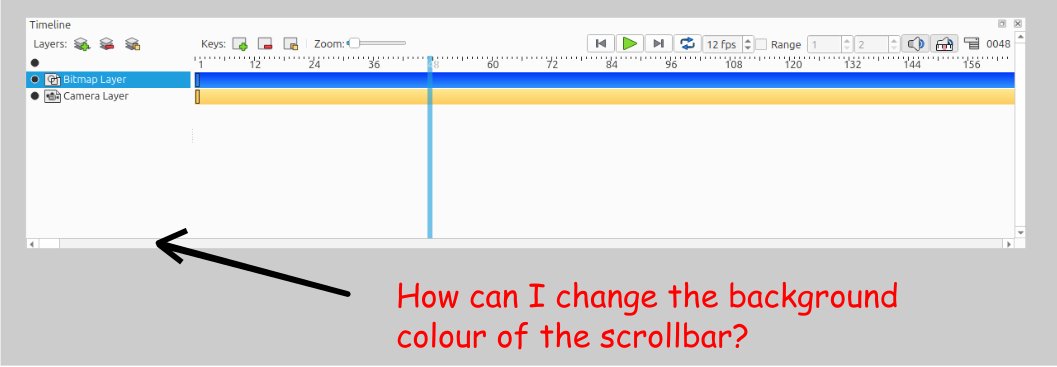
In this type of environment, I struggle to see and therefore move the viewpoint of the file. I note on Inkscape there is more contrast between the scrollbar background and the scroll pointer.
Can the scrollbar background colour be changed? In the office I can adjust the lighting, but when for example I’m working on a train I can’t do this.
I’ve had problems with the lack of contrast between areas of the scrollbar and also on relation to the window titlebar.
I often separate the Timeline into a separate window. When attempting to move this window, it us necessary to place the mouse pointer in this area. Failure to do this results in the move not being allowed. I’ve panicked on several occasions, thinking that I’m running of memory!
I too have struggled to identify the scrollbar in difficult lighting conditions.
Perhaps this thread should be moved into the bugs subject area?
If the Pencil2D Team needs inspiration, then examine how these areas are handled in Inkscape.
Hey MarySmith and Naughty
Right now it’s not possible to change the scrollbar background color. The scrollbar like most of the UI adapts to the look and feel of your OS styling.
Allowing this would most likely require non cross platform logic, which I’m not a fan of, as such it’s not on the roadmap for now.
On the subject of scrollbar colours, then Preferences windows the background colour is slightly darker than the other scrollbar, for example the Timeline.
If the setup values, for the scrollbar settings could be copied, then the situation would improve dramatically, when working in an environment where the user has little or no control of light levels, for example when on a train. See screen grabbed image below.
On a slightly different tackle, it would assist Pencil2D users of the title bar on the Timeline was the same shade as the main title bar too!
Thanks in appreciation!
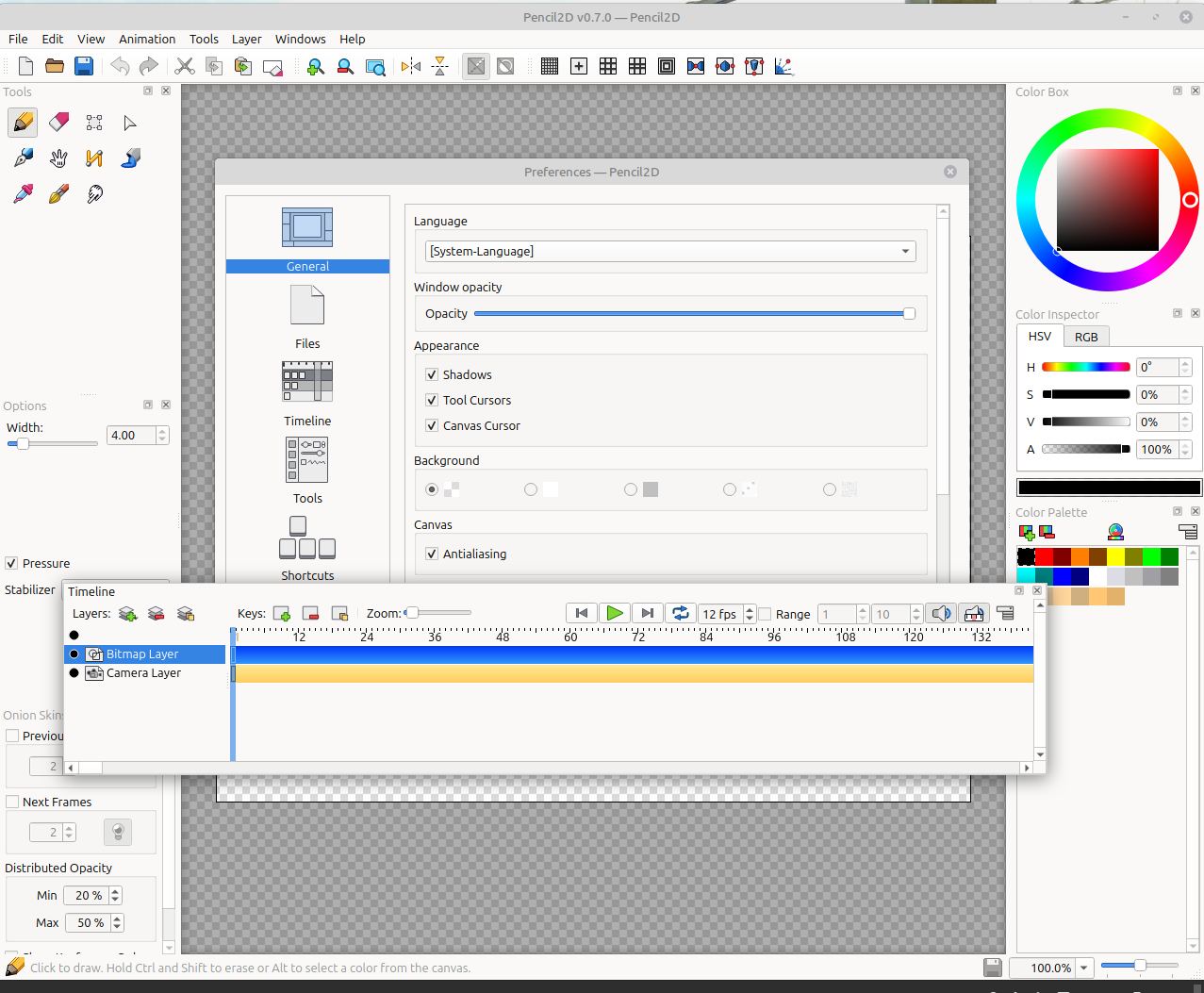
I’m not entirely sure exactly which parts of the UI you are referring to, the colours in your screenshot all look quite consistent to me. In general what MrStevns said about how Pencil2D will adapt to the look and feel of your operating system still applies. If there are slight variations those might simply be quirks of your system look and feel.
At least on Linux, the Timeline title bar is drawn by Pencil2D (so it can be docked inside the main window) whereas the main window title bar is drawn by the system itself. Pencil2D would either have to infer the title bar styling information from the system which is practically impossible to accomplish in a universal way, or draw its own title bar for the main window, which comes with a whole bunch of complexity around following the various conventions on different platforms (e.g. which window buttons to draw in which order on which side of the window, etc). Like MrStevns said above, we’d rather avoid introducing such platform-specific logic, so this is unlikely to happen anytime soon.
The Preferences window and the about option within Help appear to be applications in their own right like the main Pencil2D window.
But all other windows like Timeline, Tools etc. are sub windows of Pencil2D are treated differently.
Thanks for your efforts. I’m going to see, if there’s anything I can do at the machine level, by making adjustments. I’m also going to examine using Pencil2D under Windows and McOS. There are machines in the office that use the operating systems.
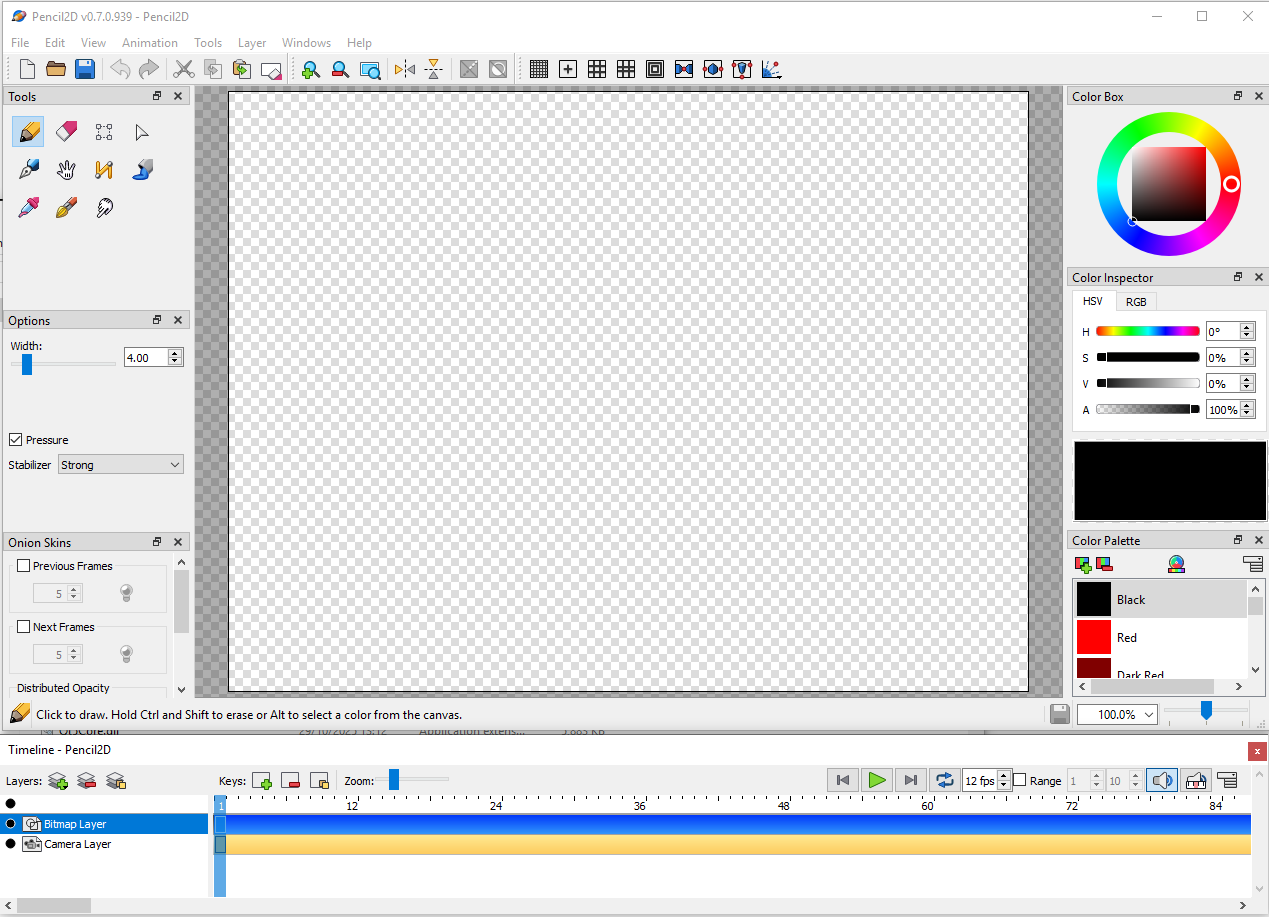
The screen shot below is Windows, The Windows name is identical to Linux, but the scrollbar is not! The same applies to McOS!
The scrollbar also changes colour, to black, when the mouse is over it!
The problems that I and definitely 1 other user have experienced, in my case have been solved. I’ve uploaded an updated the version of Linux, which included full Weyland support.
As you know Weyland is a high resolution graphics model. Thus makes the scrollbar more visible under all lighting conditions. It has also made the tools more visible on screen, particularly with the transparent screen mode.
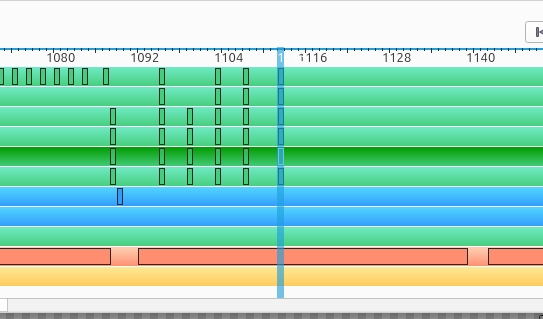
I’ve found a work around, for moving the scrollbar on the Timeline which involves grabbing the Insert_Pointer, see below.
These problems might rear their heads again in other operating systems, particularly when new higher resolution modes are introduced!
I feel that changing the scrollbars used to the type used in Inkscape would be a prudent move.