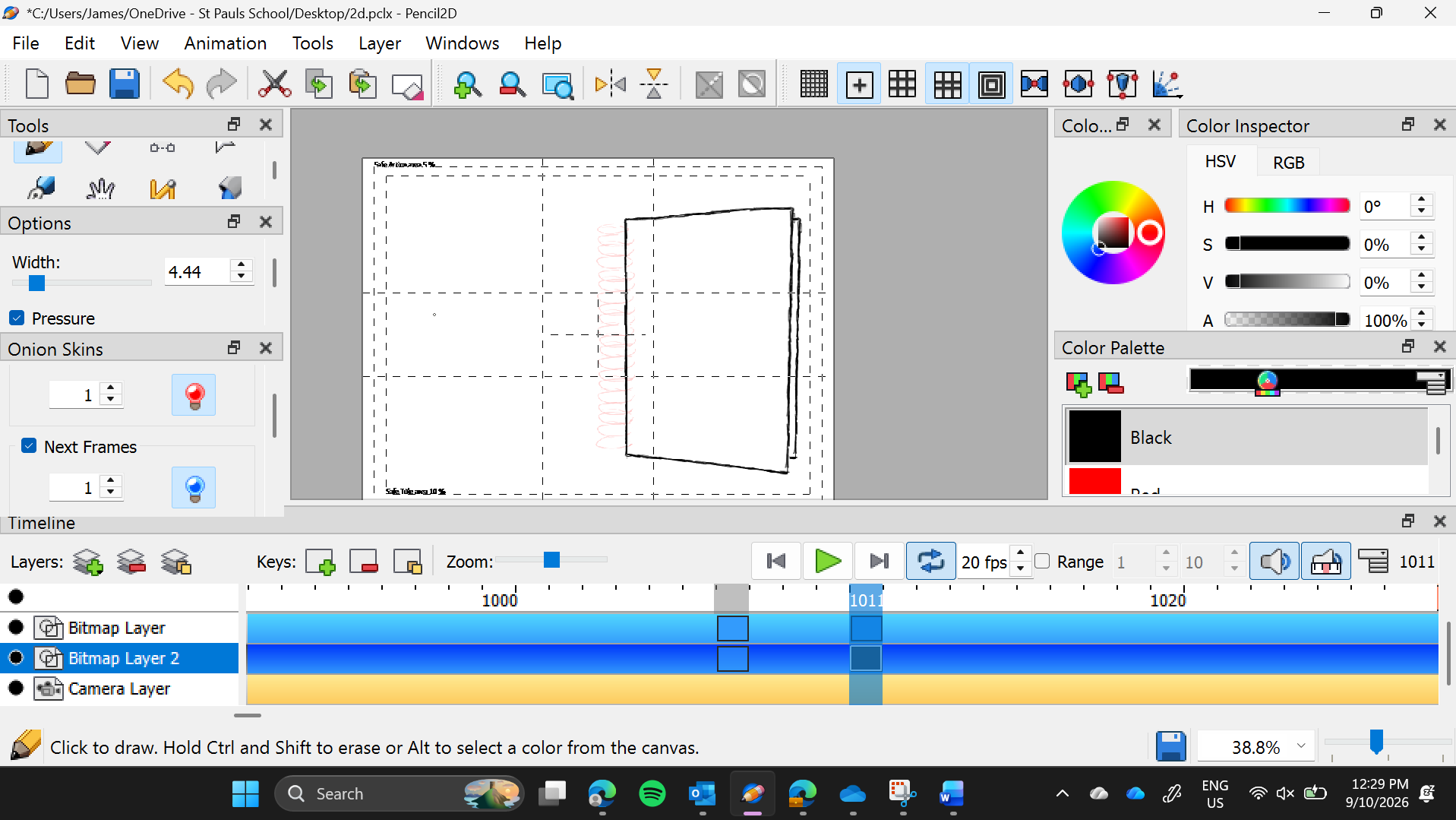
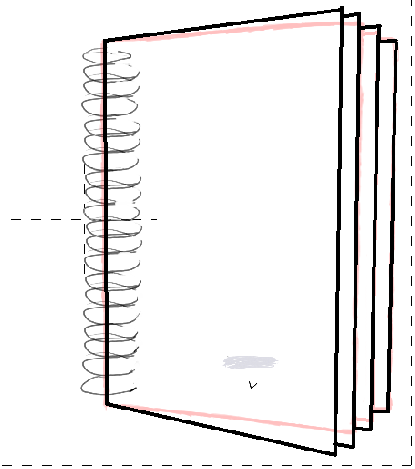
Hello I’m GamerFox I’m new but I’ve been stuck on trying to make a rapid page turning effect so if anyone could help that would be nice
Thanks
is anyone there i really need to know how to do this
Hello @GamerFox249 I think you could try looking for reference on YT if you want to get inspired.
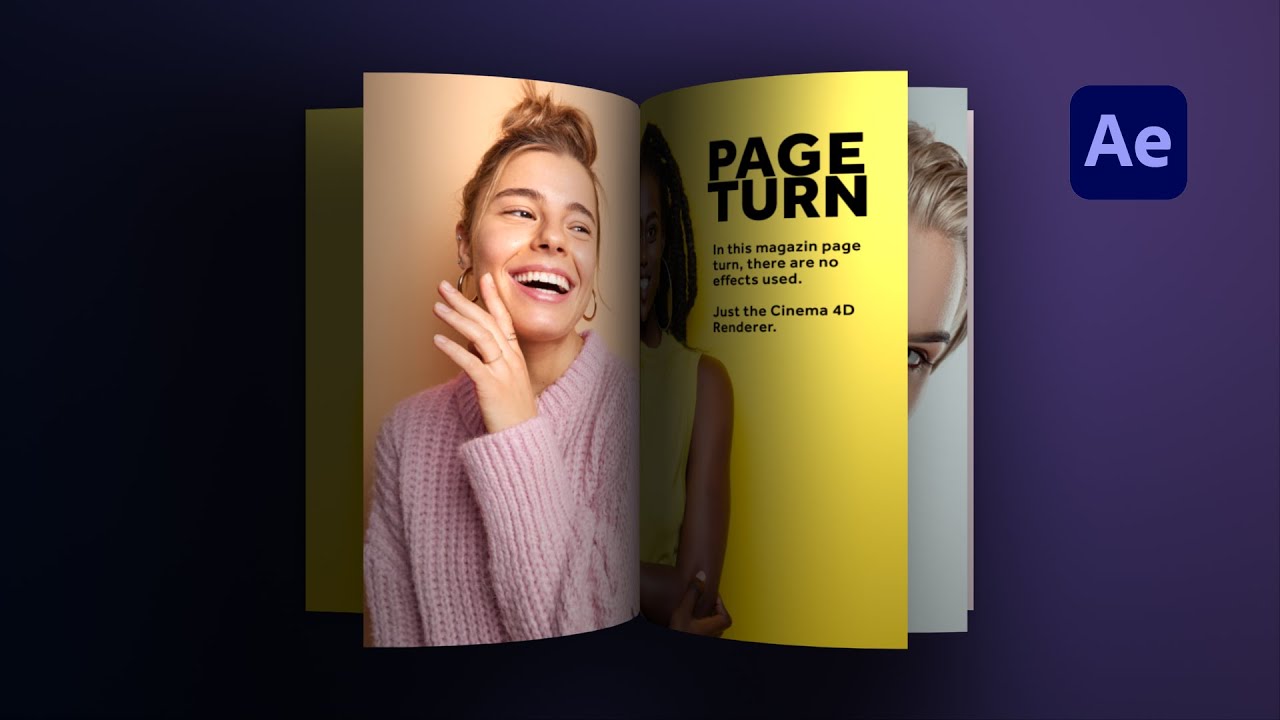
For example I found this tutorial at random to create a similar effect in a paid program. What matters is the turning effect is in the first few frames, the tutorial is not important.
If you watch the video in a web browser you can use the comma (,) and period (.) keys to move one frame before and after to check each frame individually. This should give you inspiration to draw the effect.
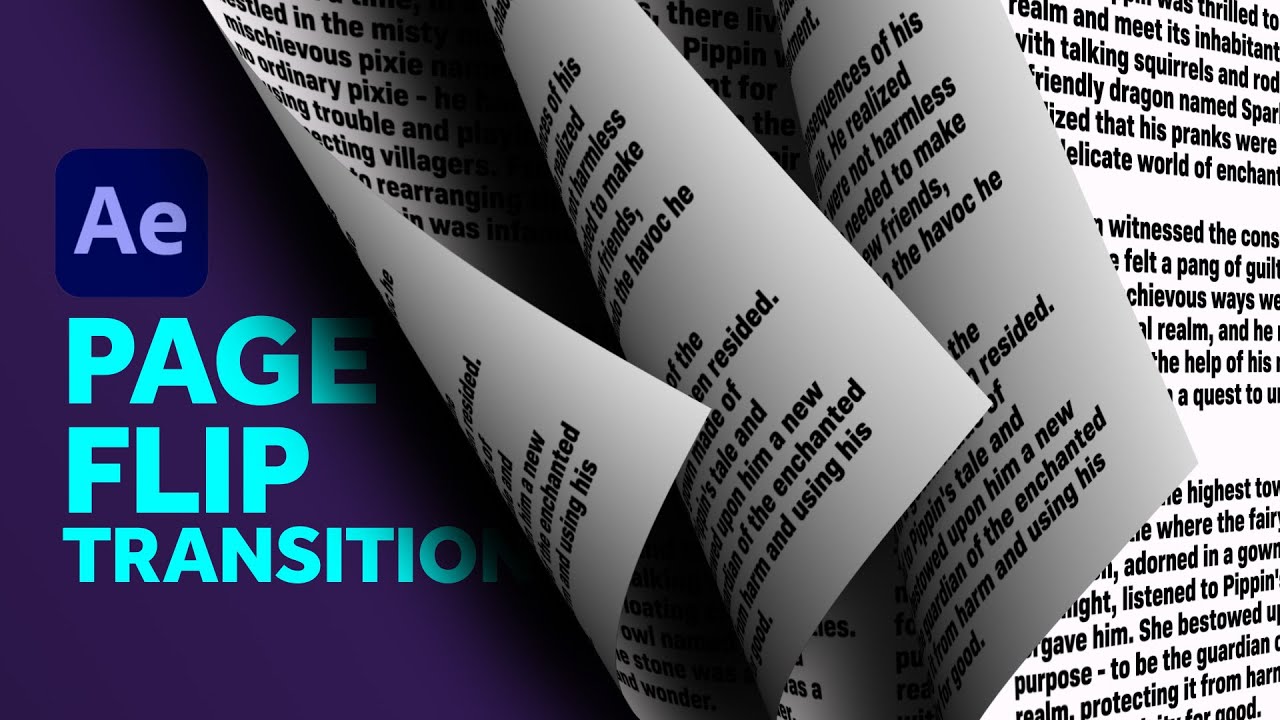
If you want to achieve something like this depending on what you need my suggestion is that you draw one “page” on a separate layer each. A single page can be drawn like a rectangle, and you start bending it from a single corner by drawing how it bends each frame.
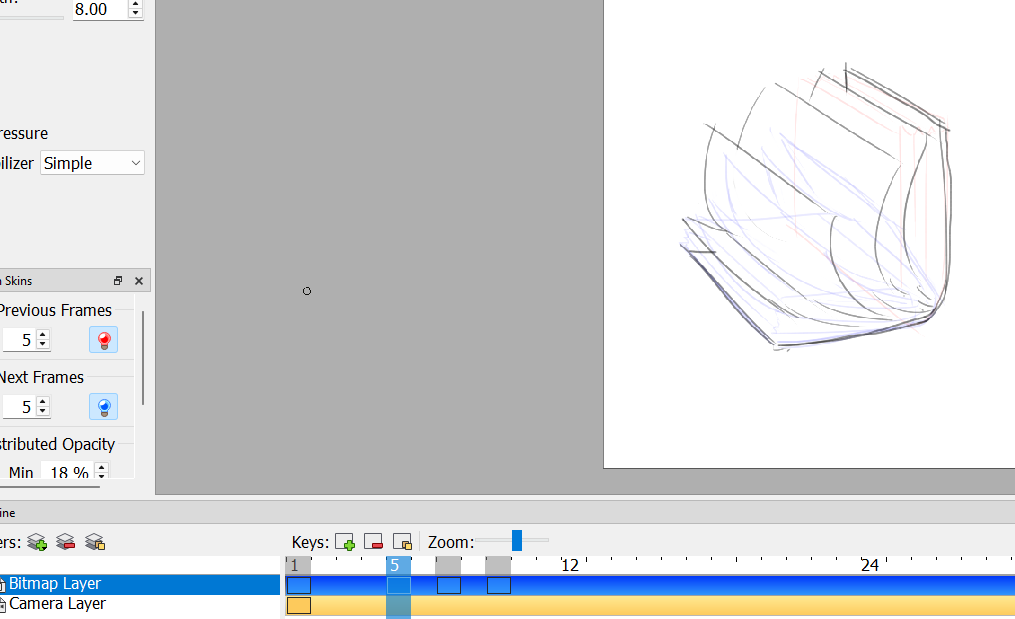
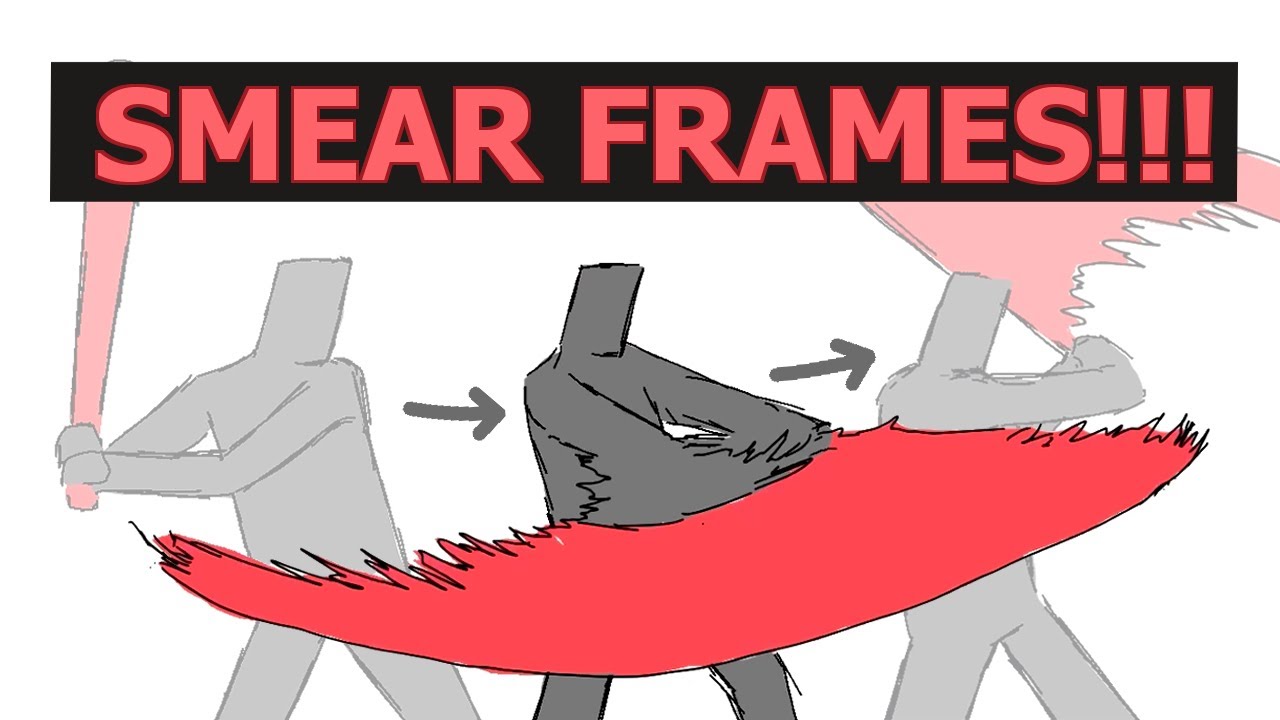
If you want something less complicated, you could represent the “effect” of the page turning motion by drawing a “smear” drawing as a breakdown frame and having another inbetween to decelerate the motion. Maybe something like this:
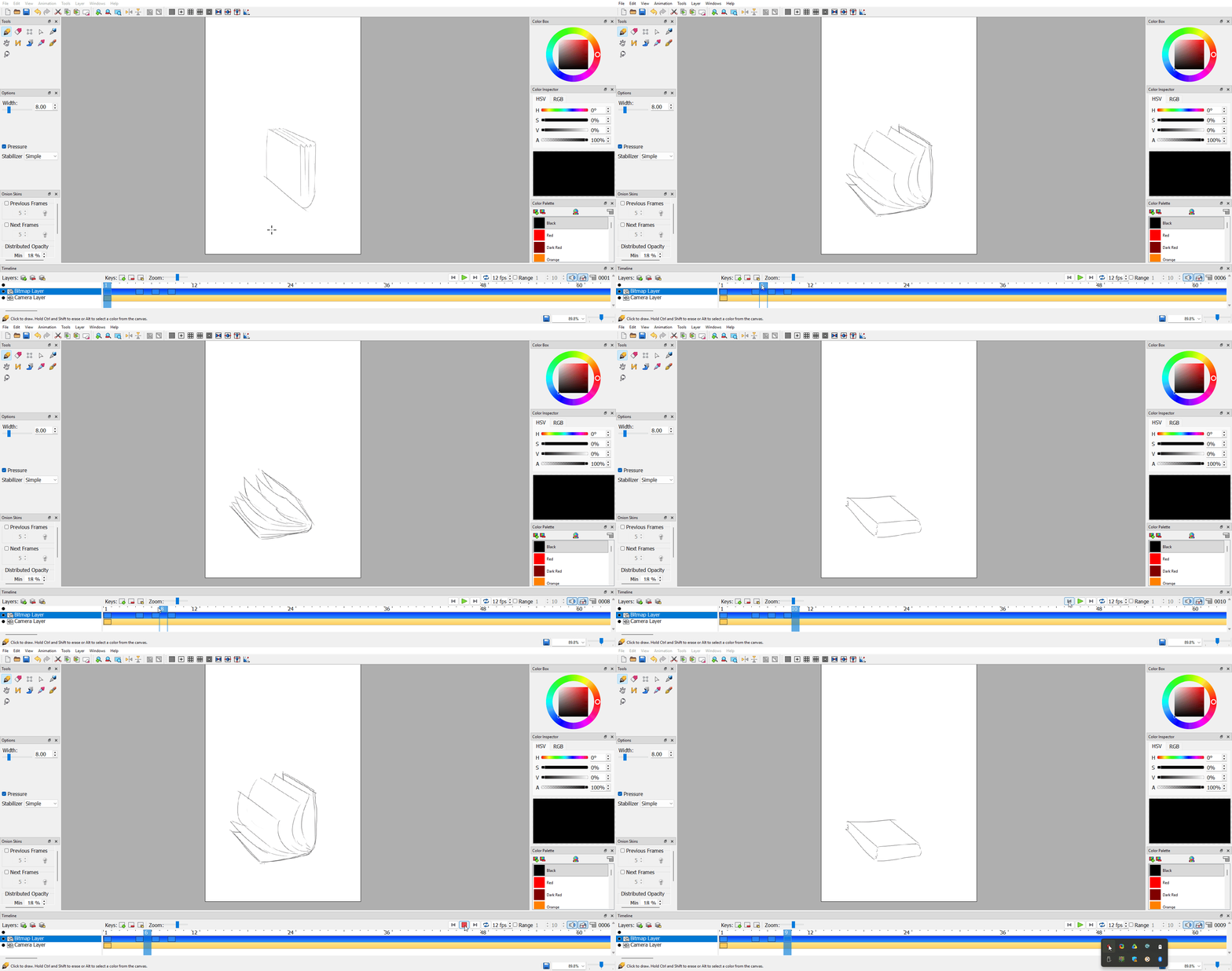
Hope you find a good reference to achieve your work. Good luck.
also forgot to say im animating a song so eh
This might be a better reference for that perspective then. You have to carefully draw each page like a bendy rectangle going from cover to open, so it will take a bit of time, but I’m sure you can do it. Gotta go for now so hope this helps.
thanks I hope i can do it
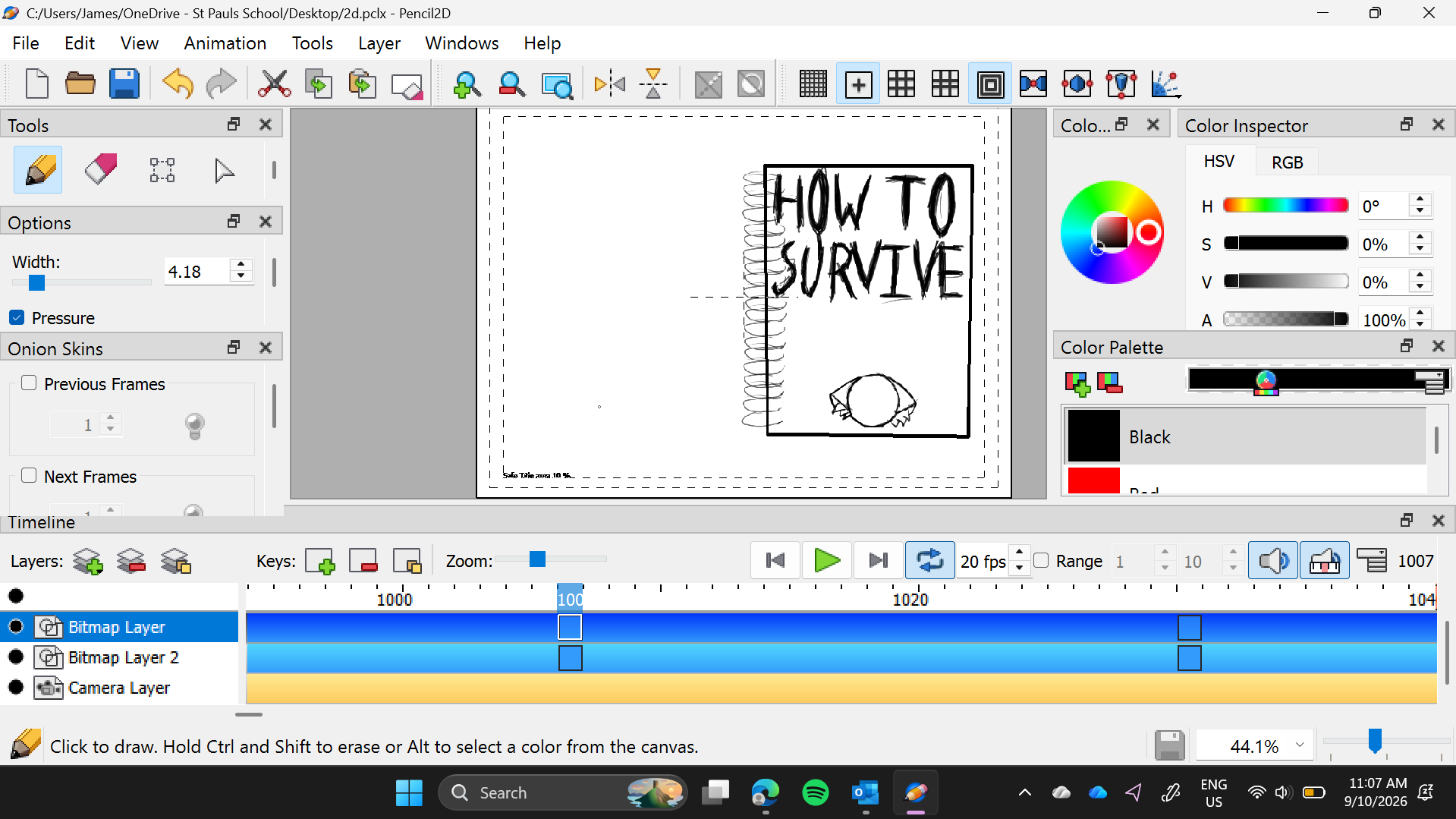
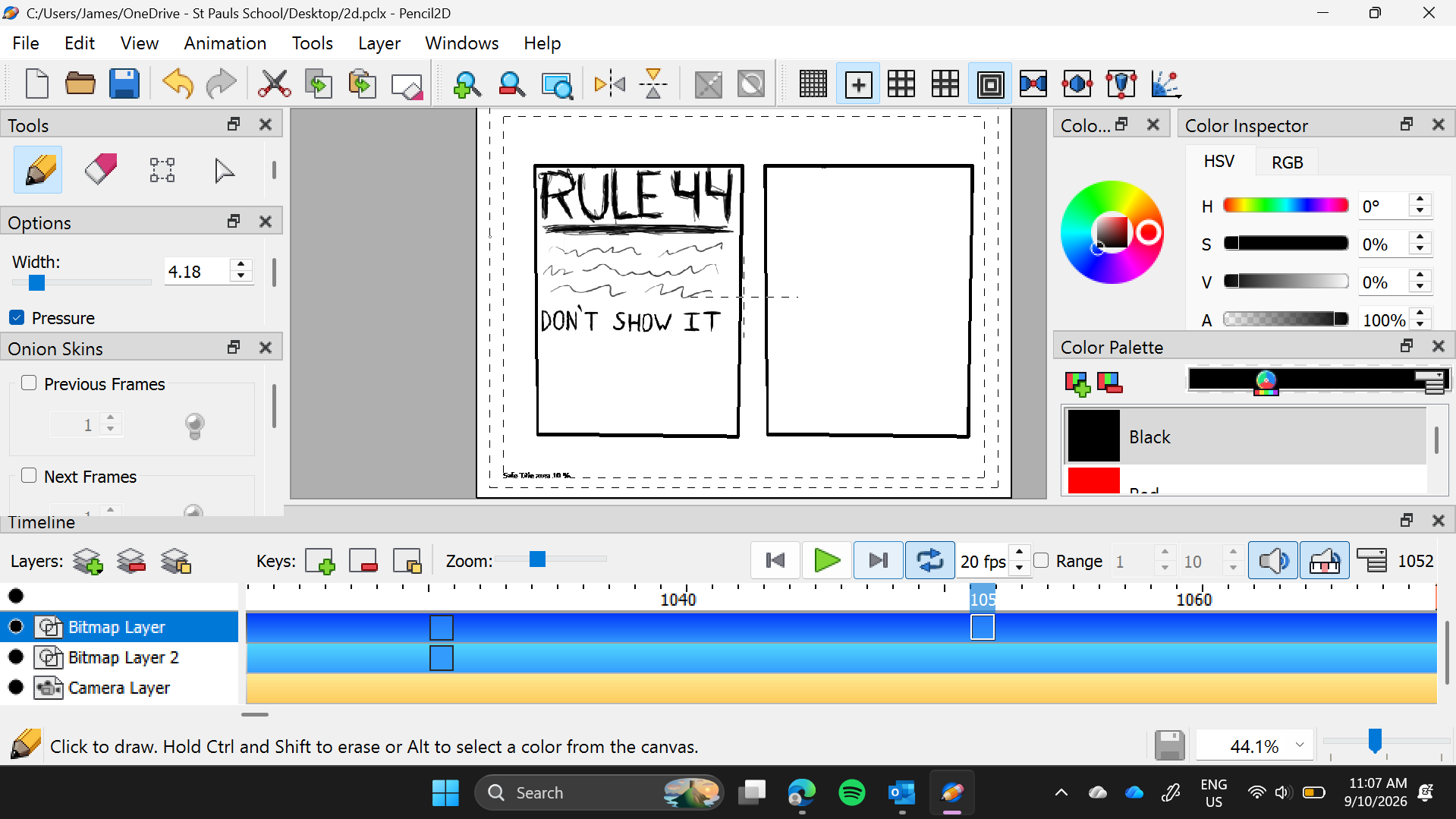
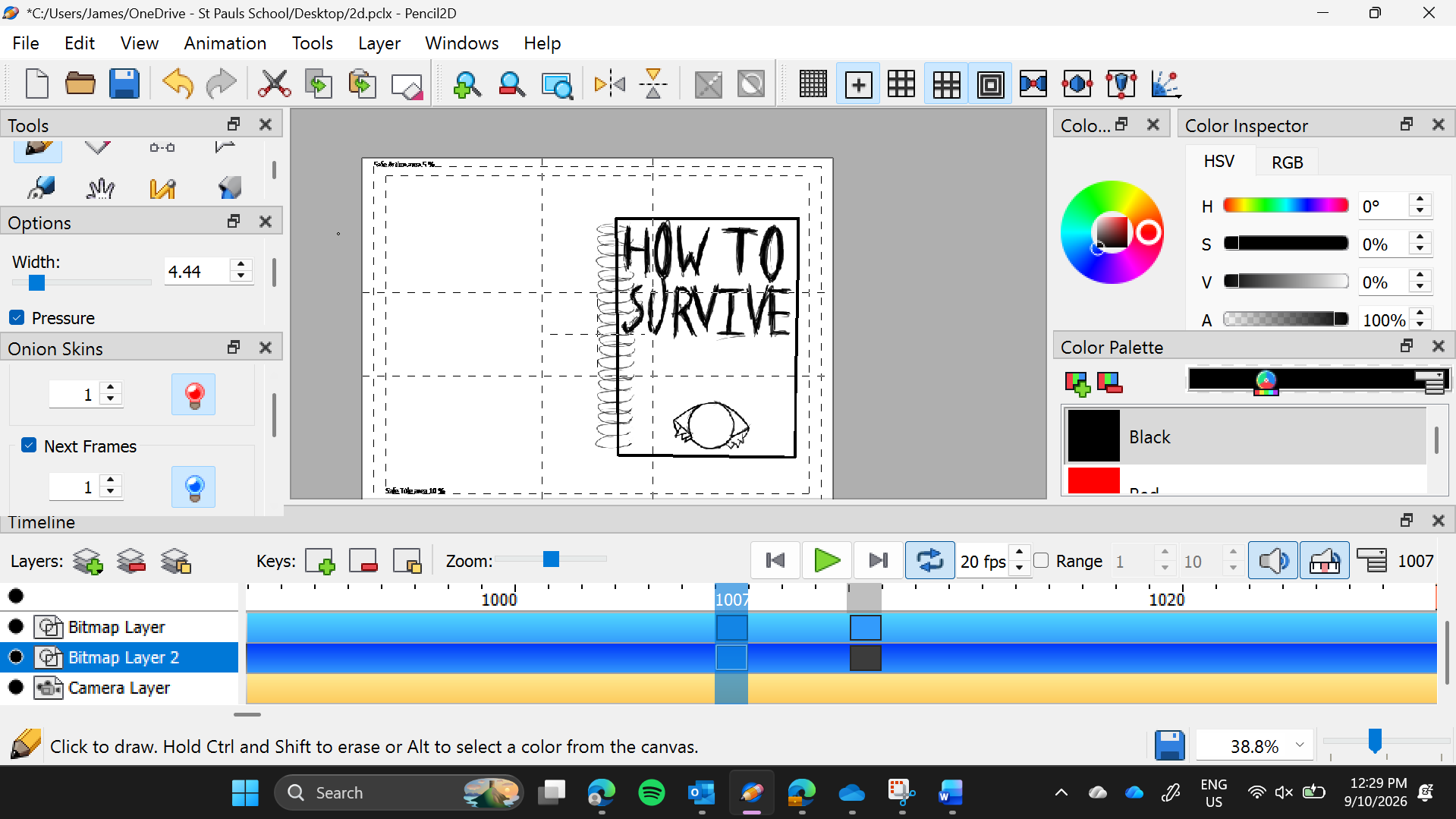
i also recorded what i have if you wanna look
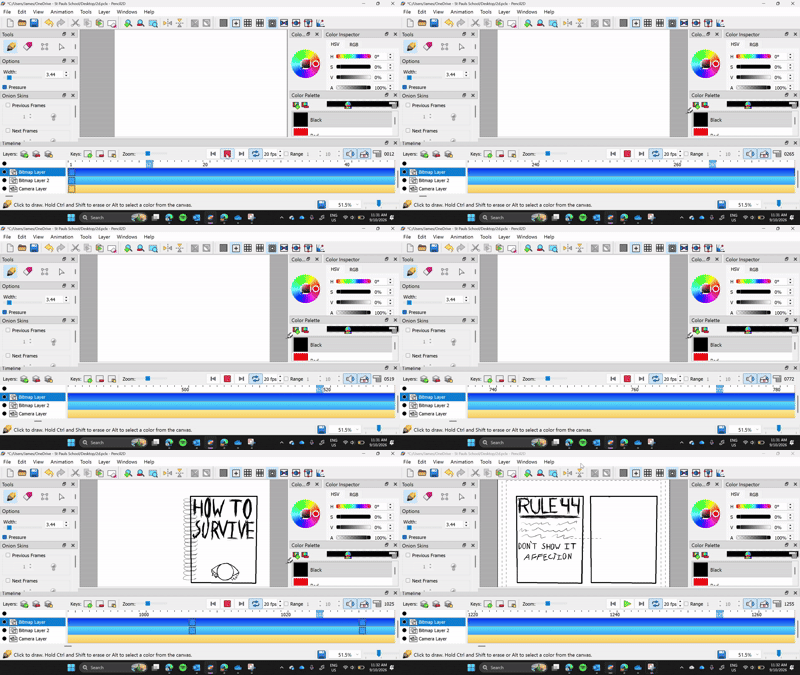
idk how to upload videos
yo im stuck again I tried to make it the pages turn rapidly but when i tried it was really easy to see the frames any idea what i could do?
@GamerFox249 Hey, sorry I’m usually busy with work so I just saw your comments.
Cool
To upload a video you need to drag and drop or use the upward arrow icon. Use mp4 vids that are less than 5mb or so.
Honestly, this is the part where people experiment until they get something they want, visually  As I already mentioned you could try to create a “smear” drawing as the principal “inbetween” drawing. (also called a breakdown).
Just in case, a “smear” is usually a drawing that is intentionally drawn in a way that visually connects two keyframes to give a sense of speed and visual continuity.
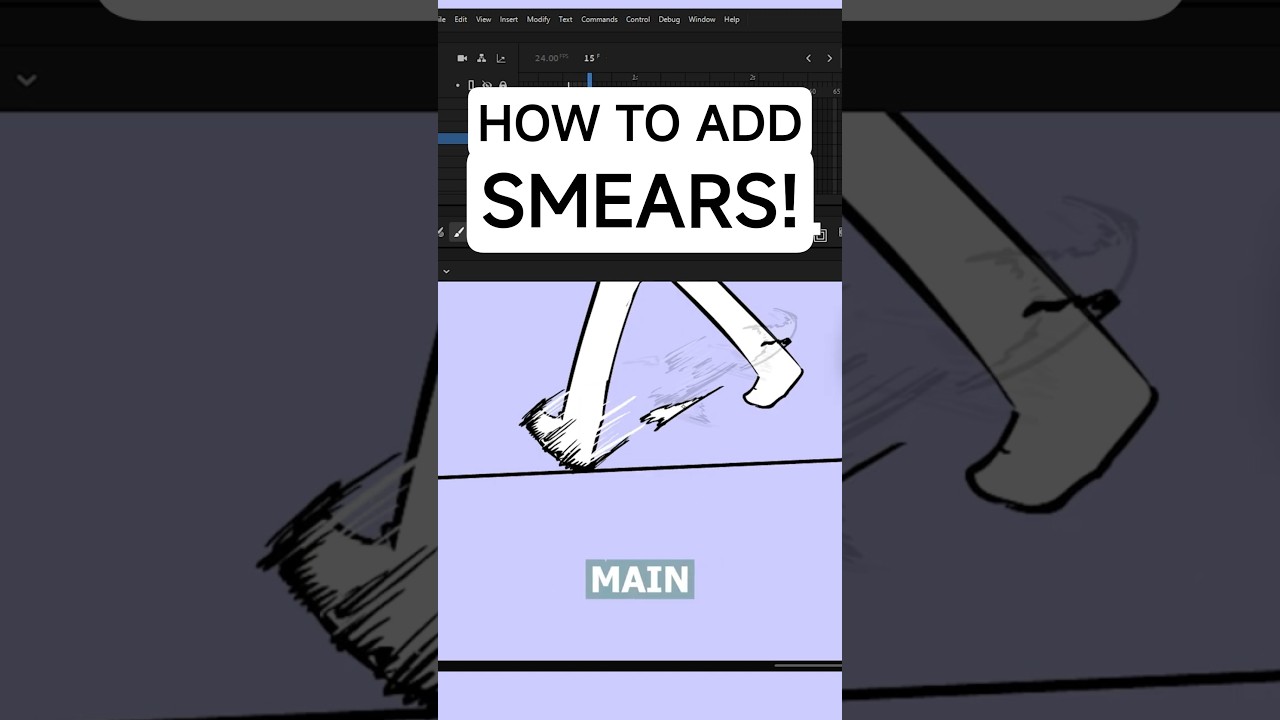
Check out these short quick tip videos (both are under 2 min) to try out some ways to create them. That way you might get some ideas on how to approach the smear drawing.
Best,
thank I cant watch it on my laptop since im a school so ill watch it when i get home but thanks :3